Navigate Advisory Group
An advisory firm whose best material is open to anyone, at any hour. We built the advisor, the library, the tools and the planning desk behind it.
Open the site (opens in a new tab)On 21 November 2026: 78 working resources, 22 calculators and tools, 43 kinds of planning work. No account needed to read, ask or calculate.
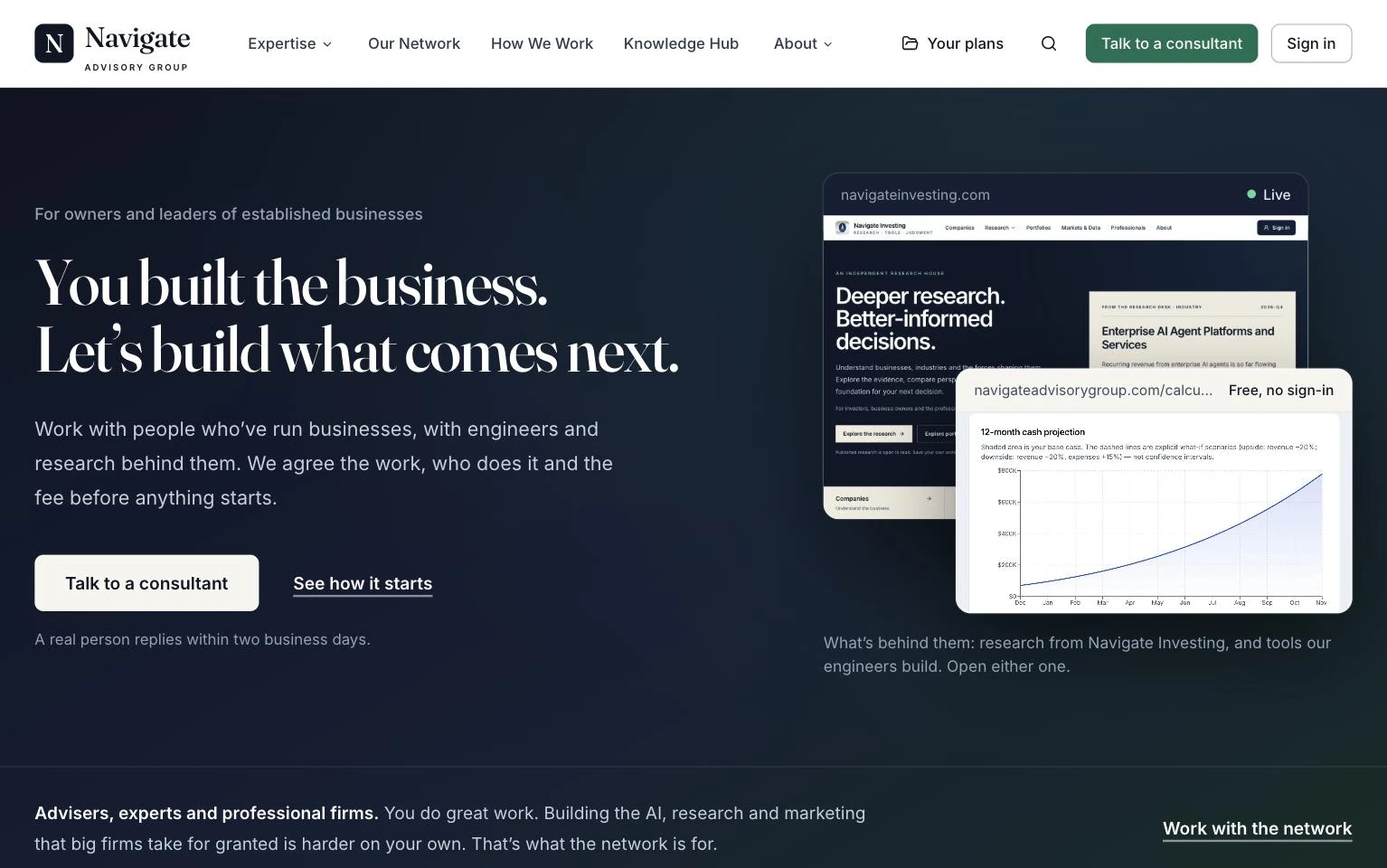
Navigate Advisory Group is Navigate’s advisory arm: experienced operators and specialist advisors who help owners with the decisions and the day-to-day of running a business. Its site had to do more than describe that. It had to help.
An advisor that answers.
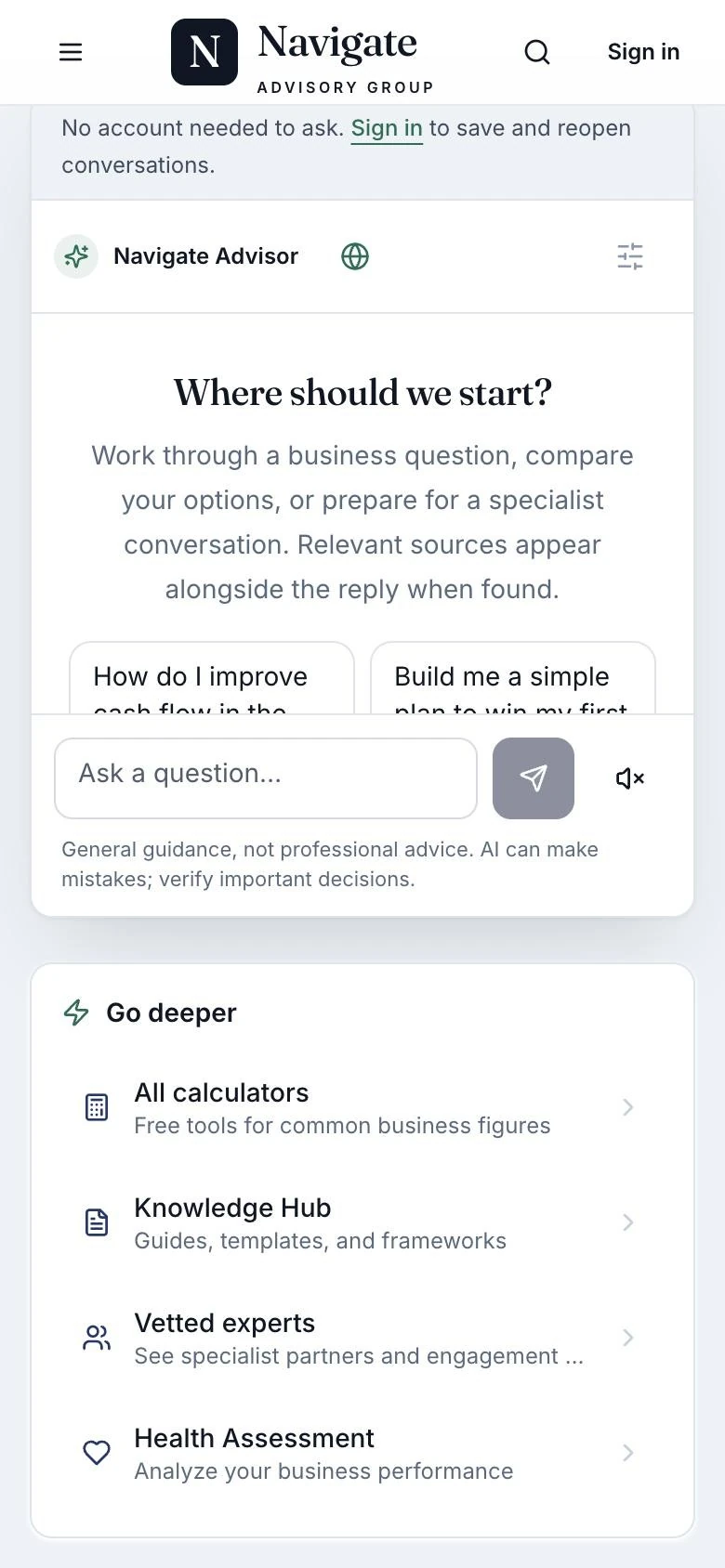
Ask it a business question and it answers in plain steps. We asked how to improve cash flow in the next 90 days, and it answered week by week. No sign-in. Where it draws on a source, the source sits beside the answer. When a question needs a person, the next step is one tap away.

A library people use.
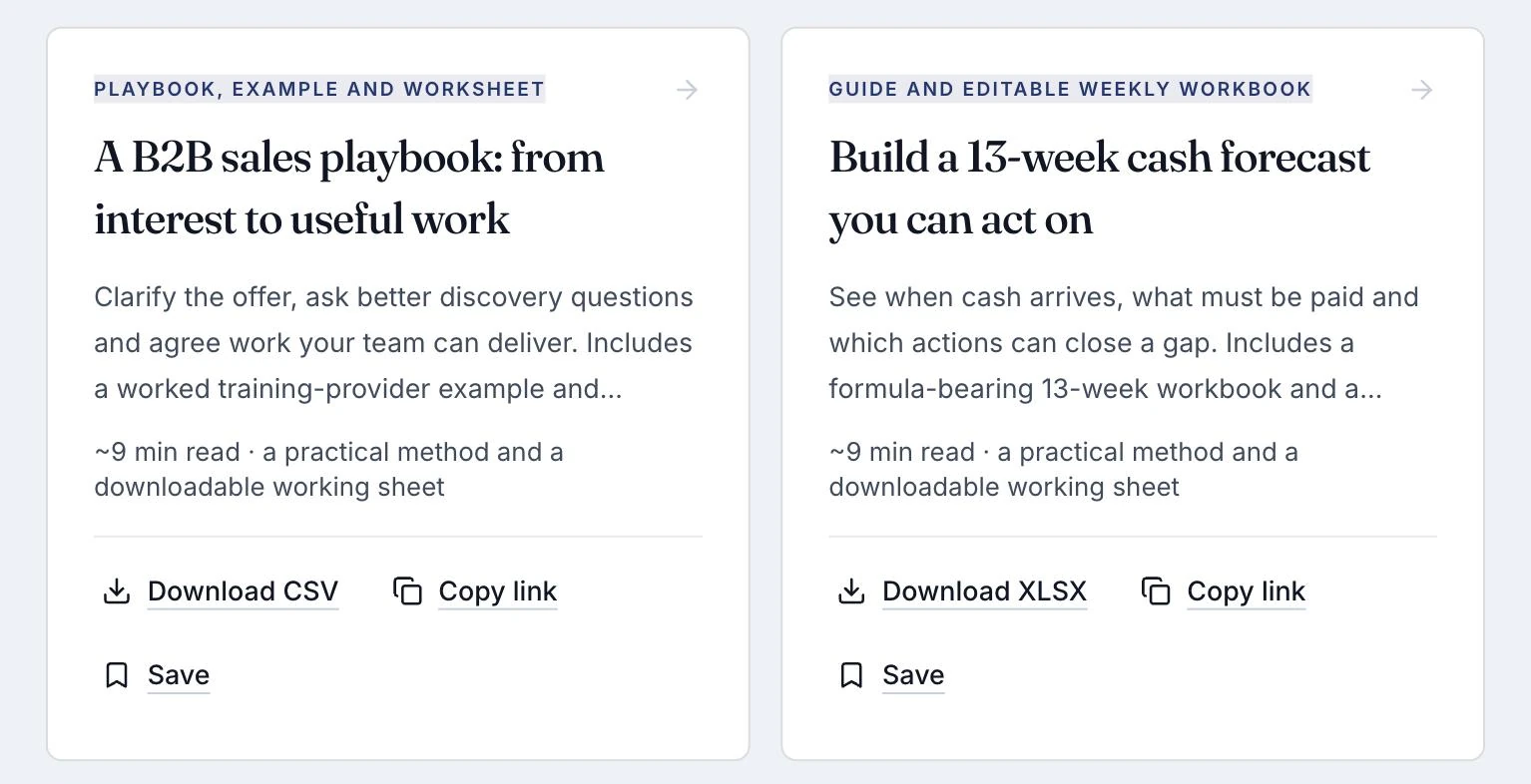
78 guides, templates and tools, found by the problem in front of you: customers paying late, a business plan, a 13-week cash forecast. The guides come with worked cases. The workbooks open in the software you already have.

Tools that do the sums.
11 calculators and 11 planning tools. Each says what you’ll get and how long it takes before you start. The cash flow forecaster shows a base case and two stated what-ifs, and tells you how it worked them out.

A first look at the whole business.
Five sections, twenty-one items. Your draft stays in your own browser, and nothing is sent to Navigate automatically.

A planning desk.
43 kinds of work in eight areas, from marketing and growth to finance and funding. AI workflows research the evidence and write a first draft. People shape the method and review the result. Every edition says where its review stands.

Why it works.
Useful first. The advisor, the library and the tools ask for nothing before they help: no account, no email. And the way to a person is always in view.
What sits behind it.
The same lab runs the systems behind these pages: the workflows that draft, the checks that people sign, and the record that keeps each customer’s work in one place. We do not publish how they are made. Judge them by what they produce.